How to disable a SiNE CARD
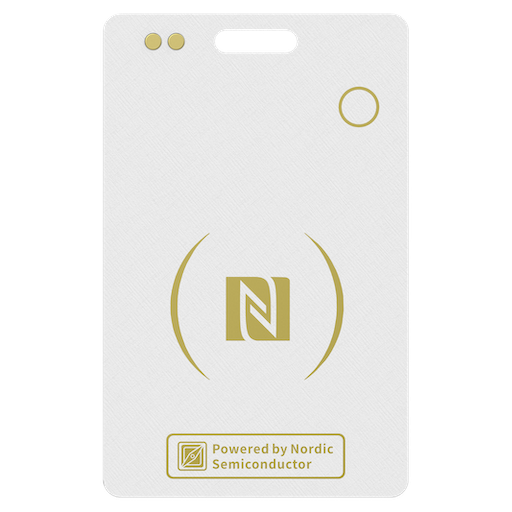
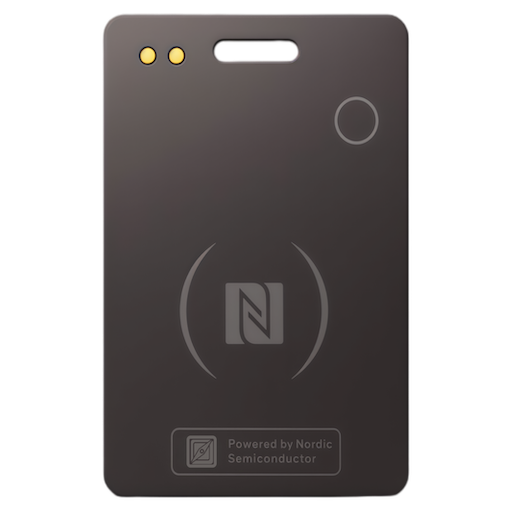
Step 1. Locate the button on the front of the SiNE CARD.
Step 2. Quickly press the button five times. A confirmation beep will sound, and the light will blink three times.
How to re-enable a SiNE CARD
Step 1. Locate the button on the front of the SiNE CARD.
Step 2. Press and hold the button for about 5 seconds. A confirmation beep will sound, and the light will blink three times.
Copyright 2025 © singsun technology int co.,ltd
Your cart is empty

 0
0
