
 0
0

Dual-System Item Finder
Works with Apple & Google
Never lose track of what matters.
A smart locating and left-behind alert solution.
Designed for your daily essentials.
Never lose track of what matters.
A smart locating and left-behind alert solution.
Designed for your daily essentials.


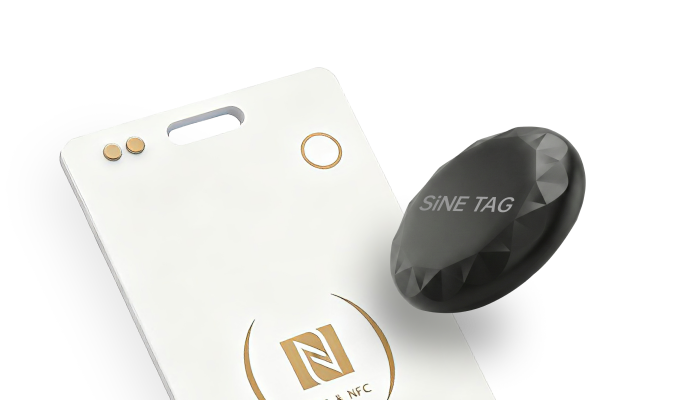

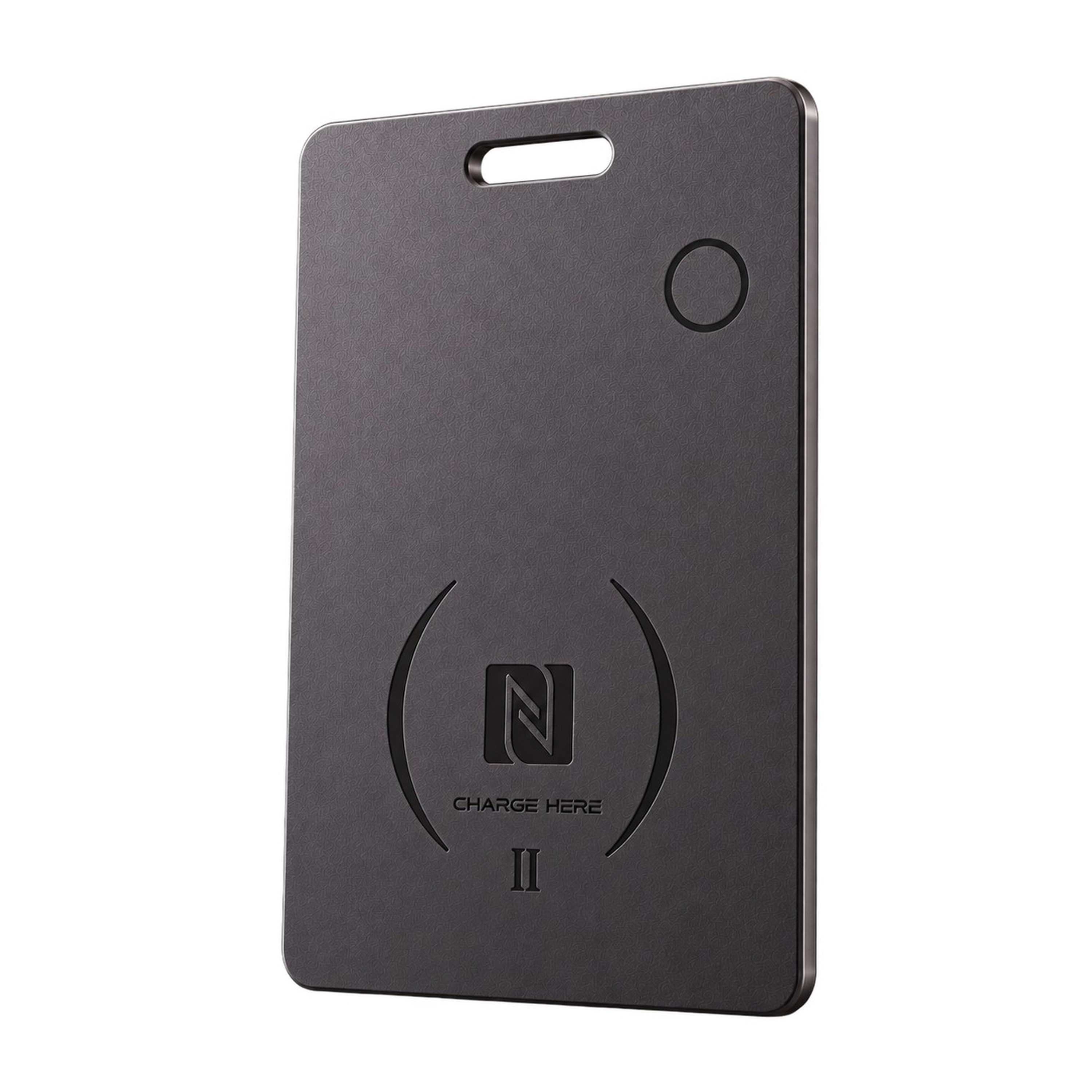
From $30.00
Smart Locator Card with Programmable NFC and Digital Authentication.

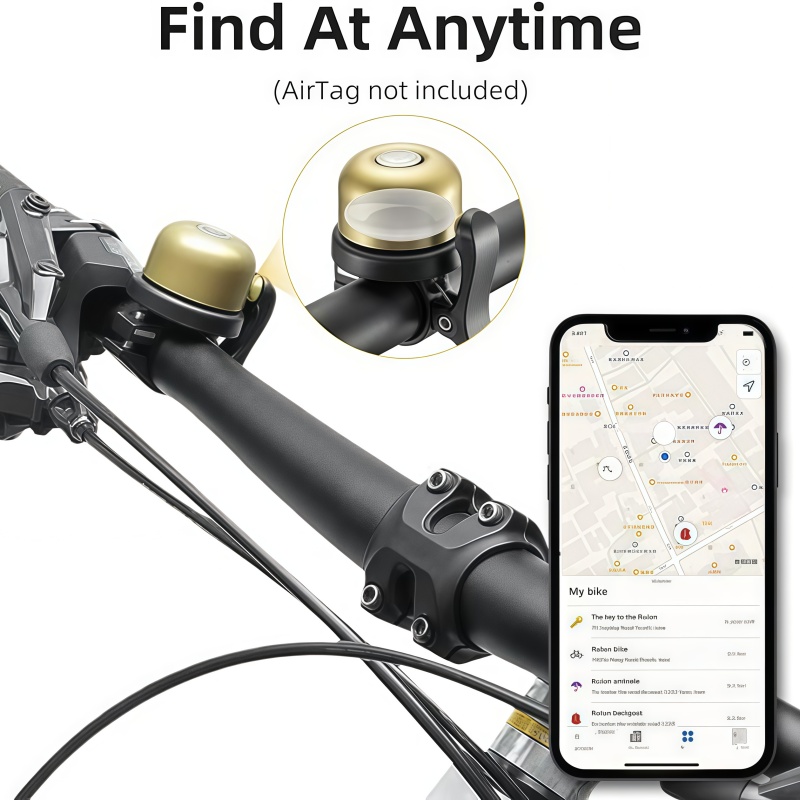
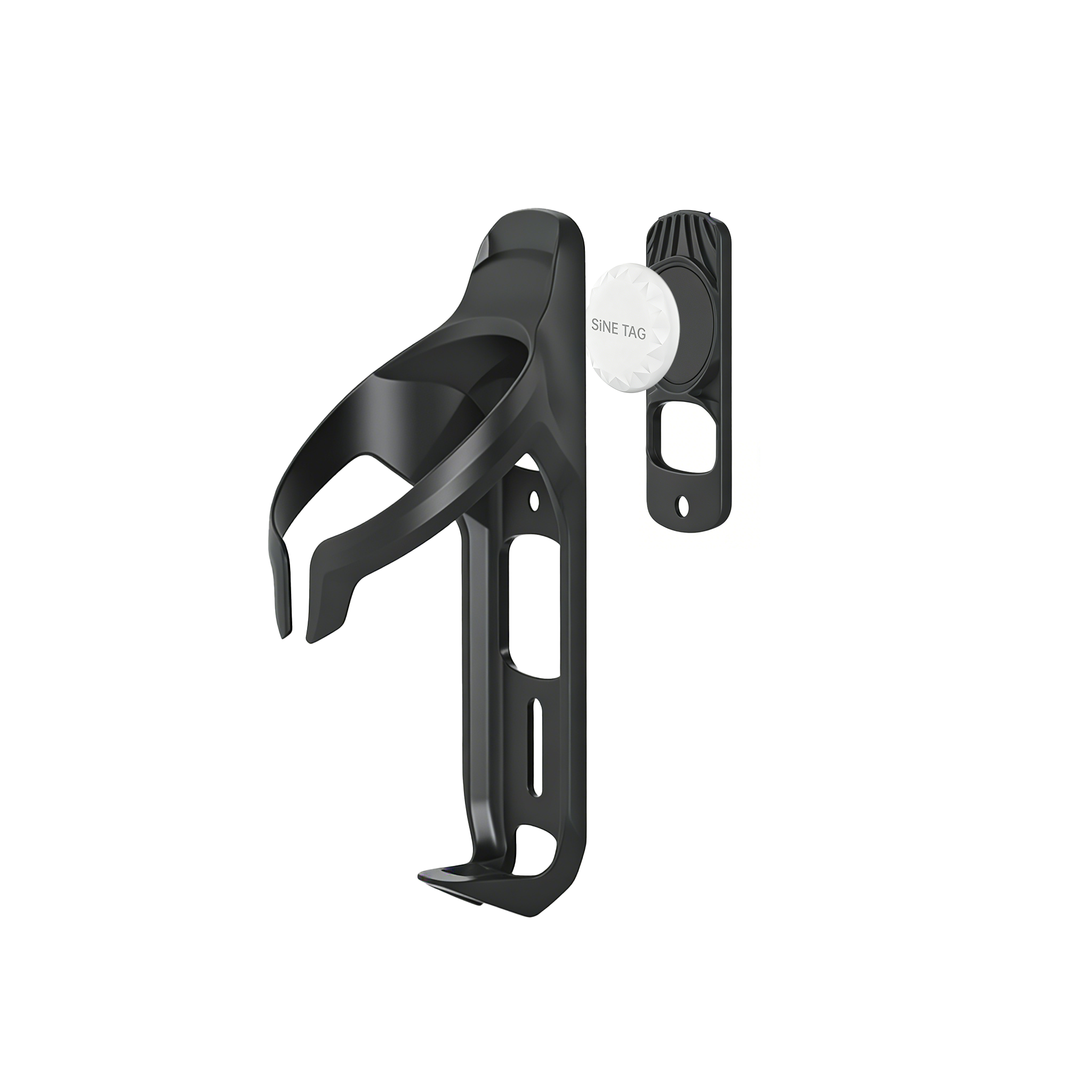
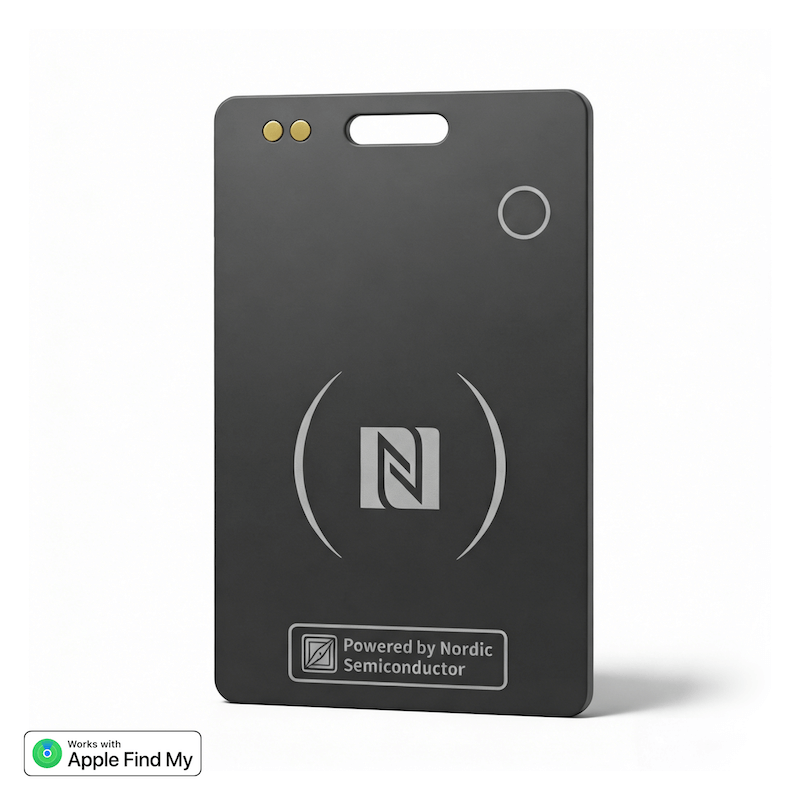
From $25.00
Global Positioning Nordic solution same as AirTag Misplacing items is common,but with SiNE CARD finding them is a Easy. Ultra-thin credit card design (85.5mm × 54mm × 1.7mm), weighs only 15g — fits se...
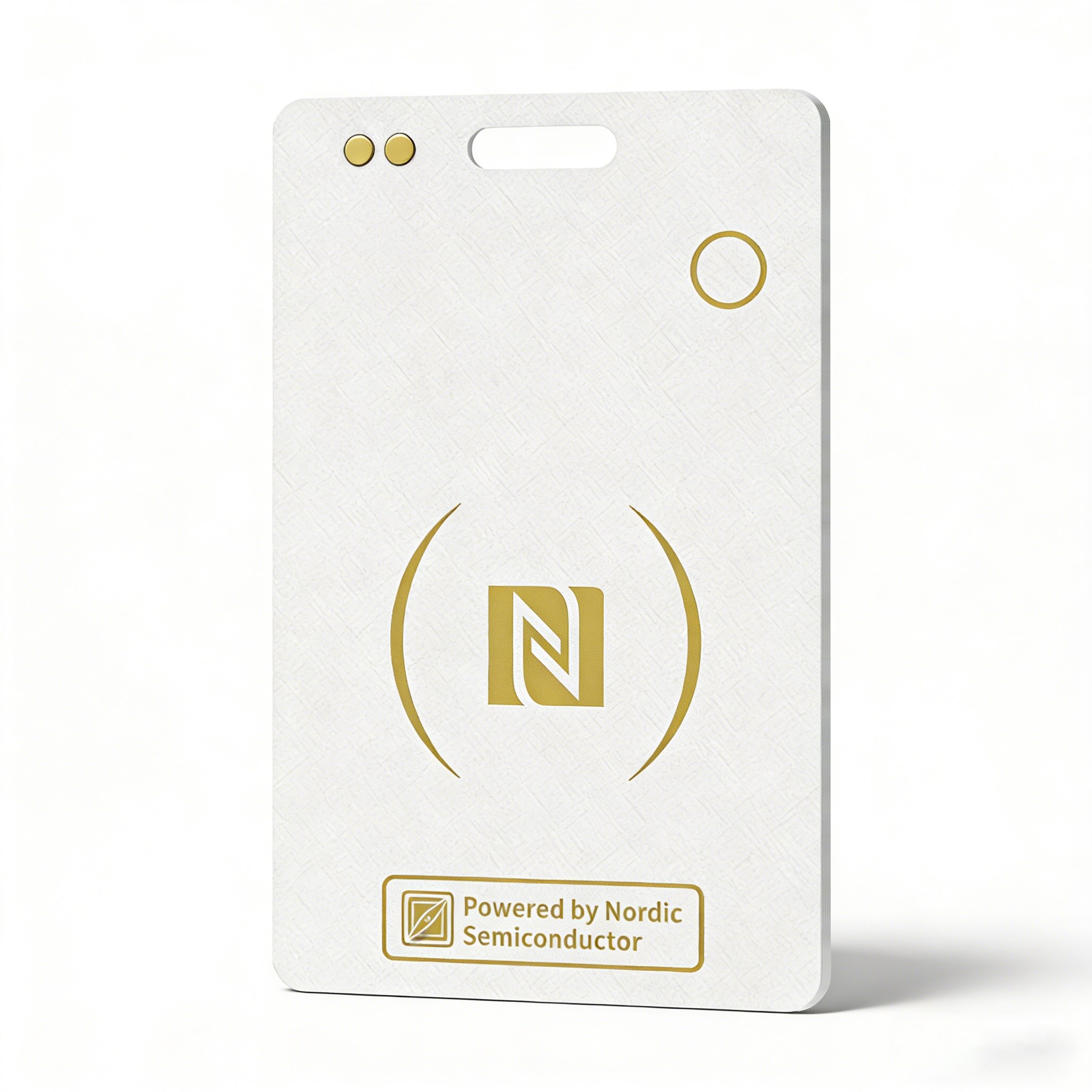
From $25.00
Global Positioning Nordic solution same as AirTag. Misplacing items is common, but with SiNE CARD finding them is a Easy.
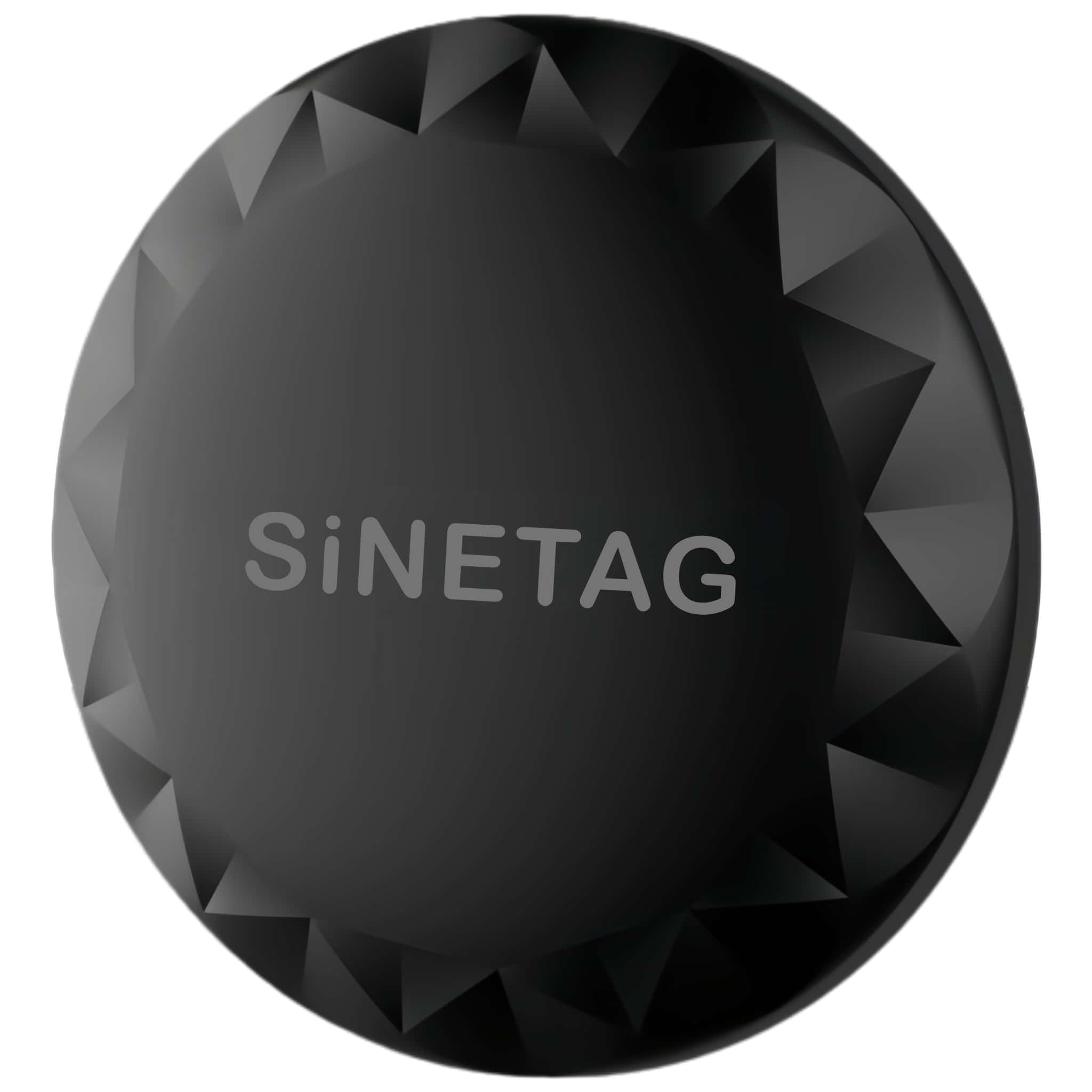
From $20.00
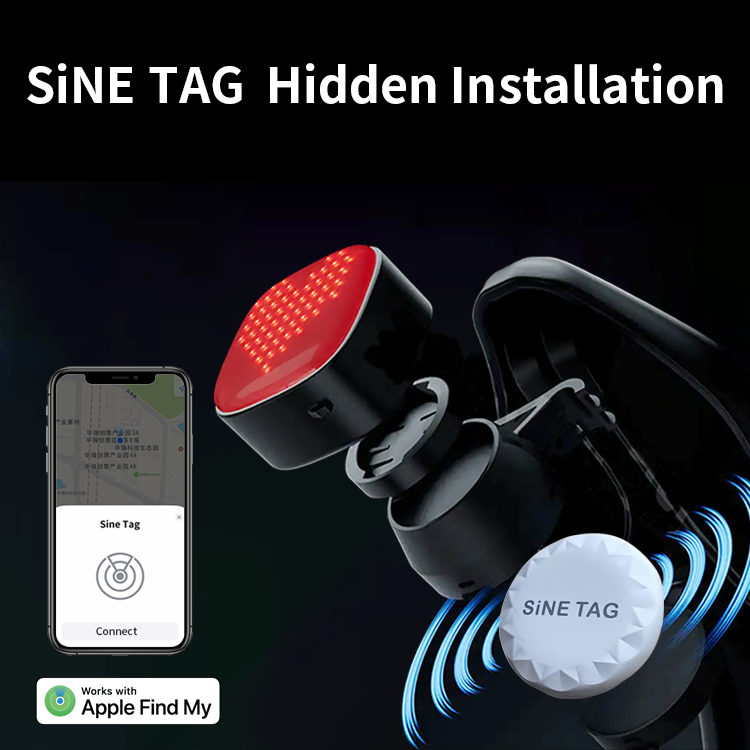
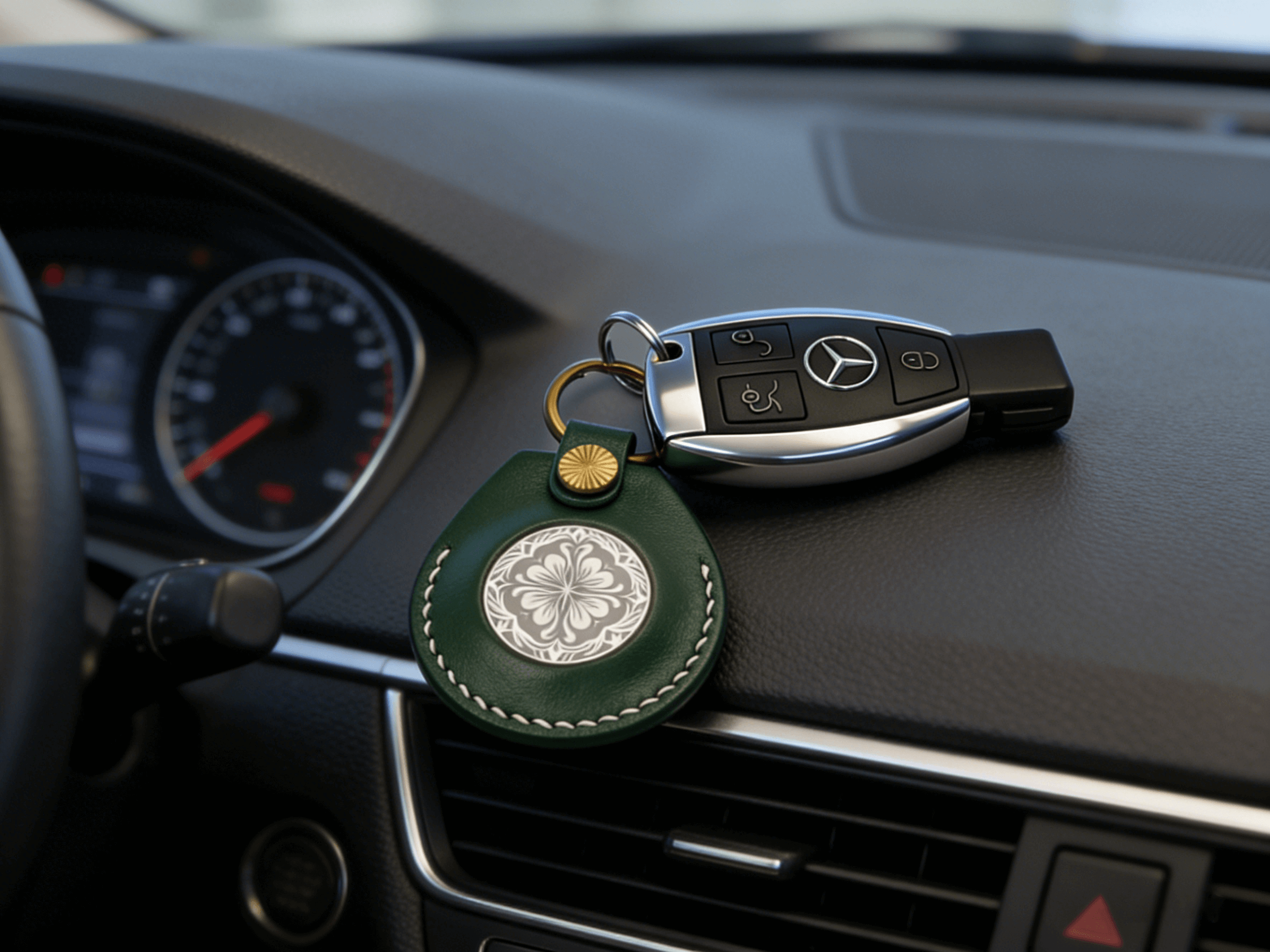
Find anything Misplacing items is common, but with SiNETAG finding them is a Easy.By attaching a stylish SiNETAG to your belongings, you can locateanything with pinpoint precision anywhere in the worl...
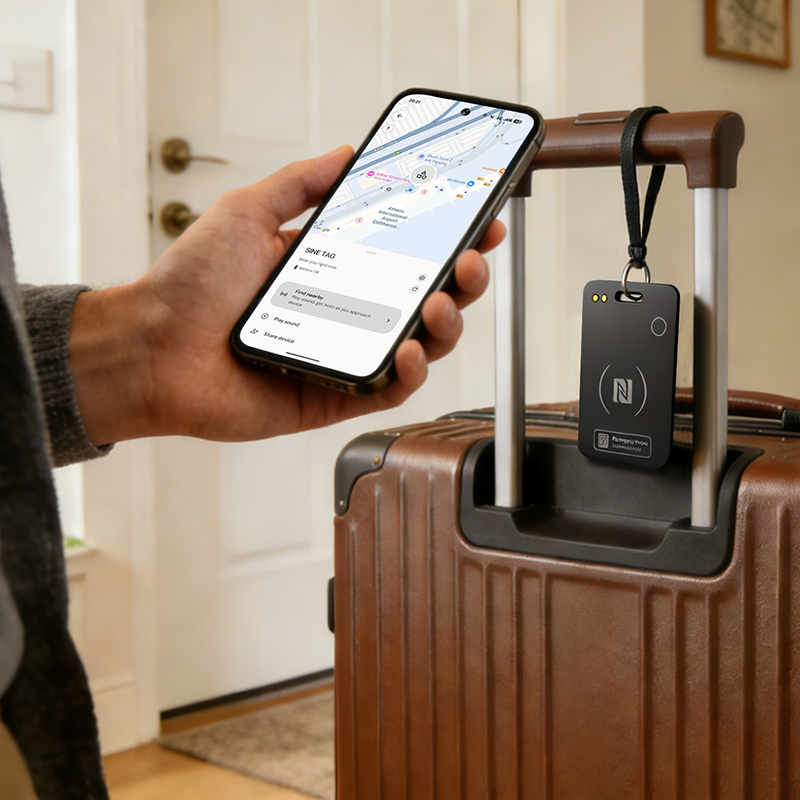
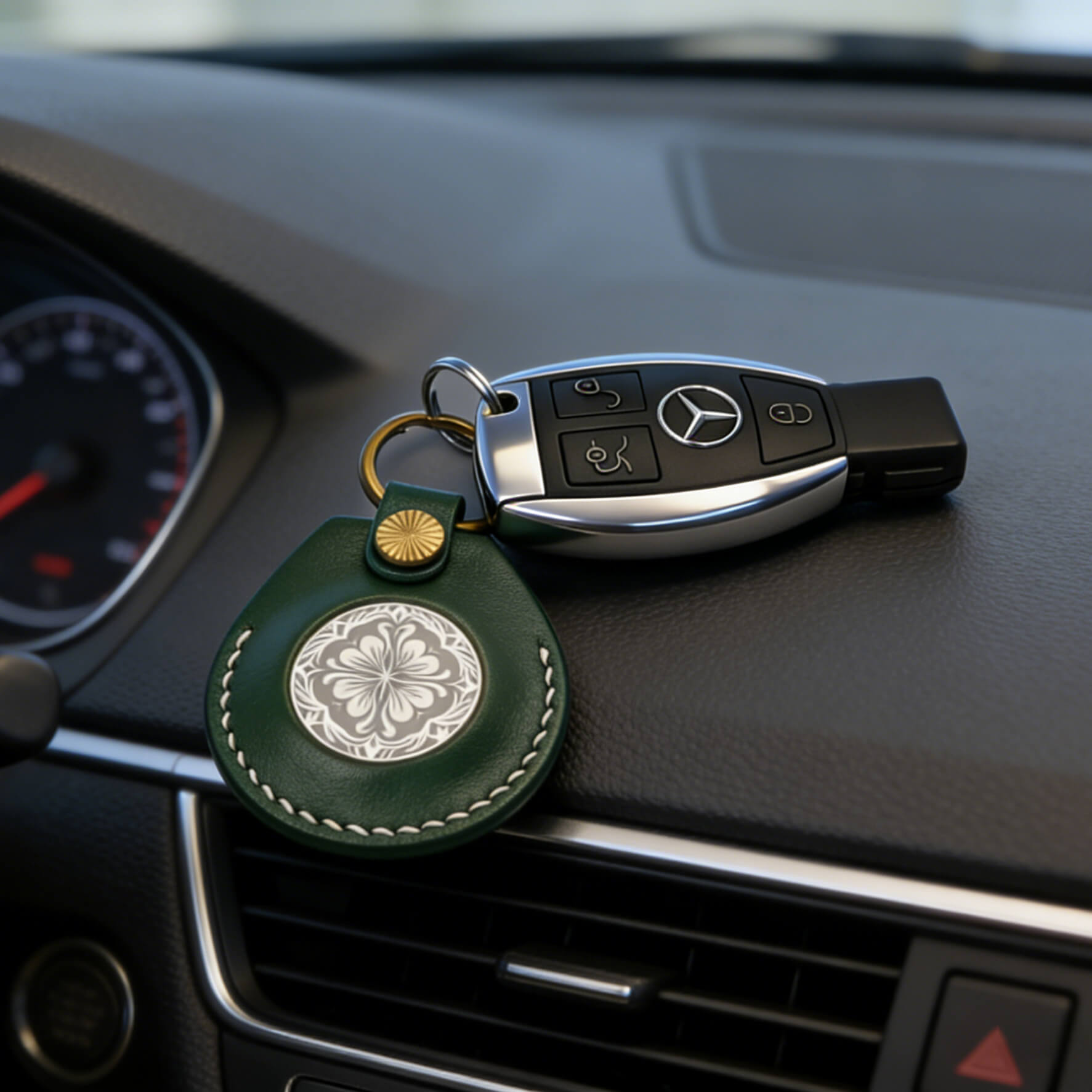
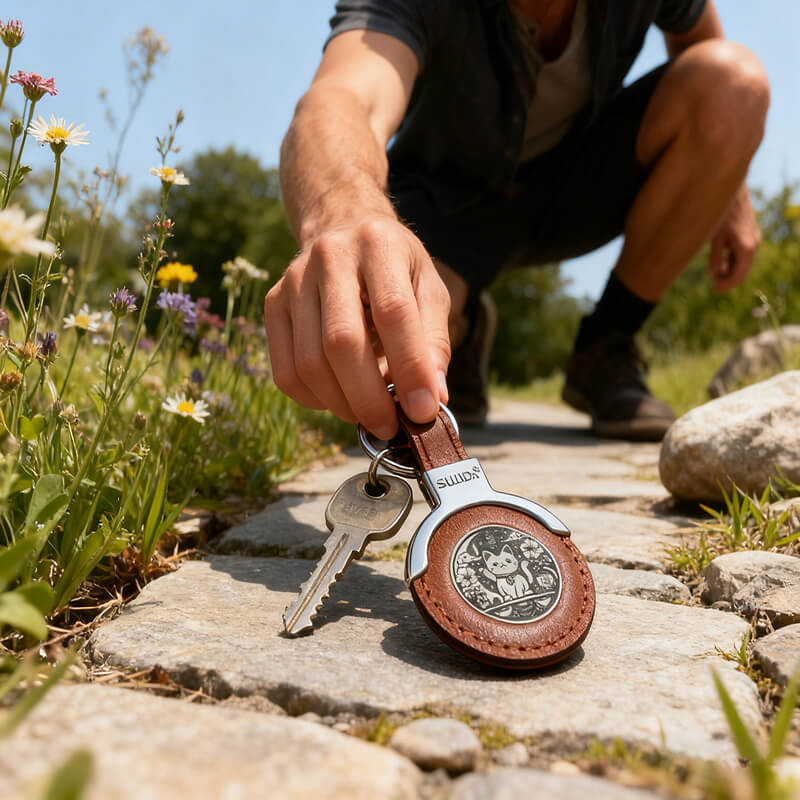
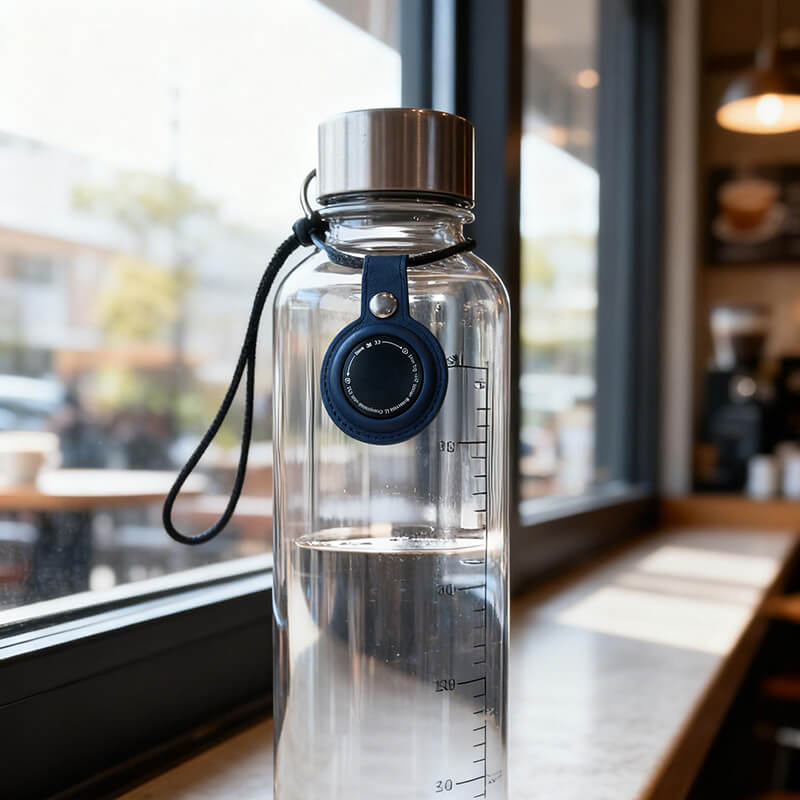
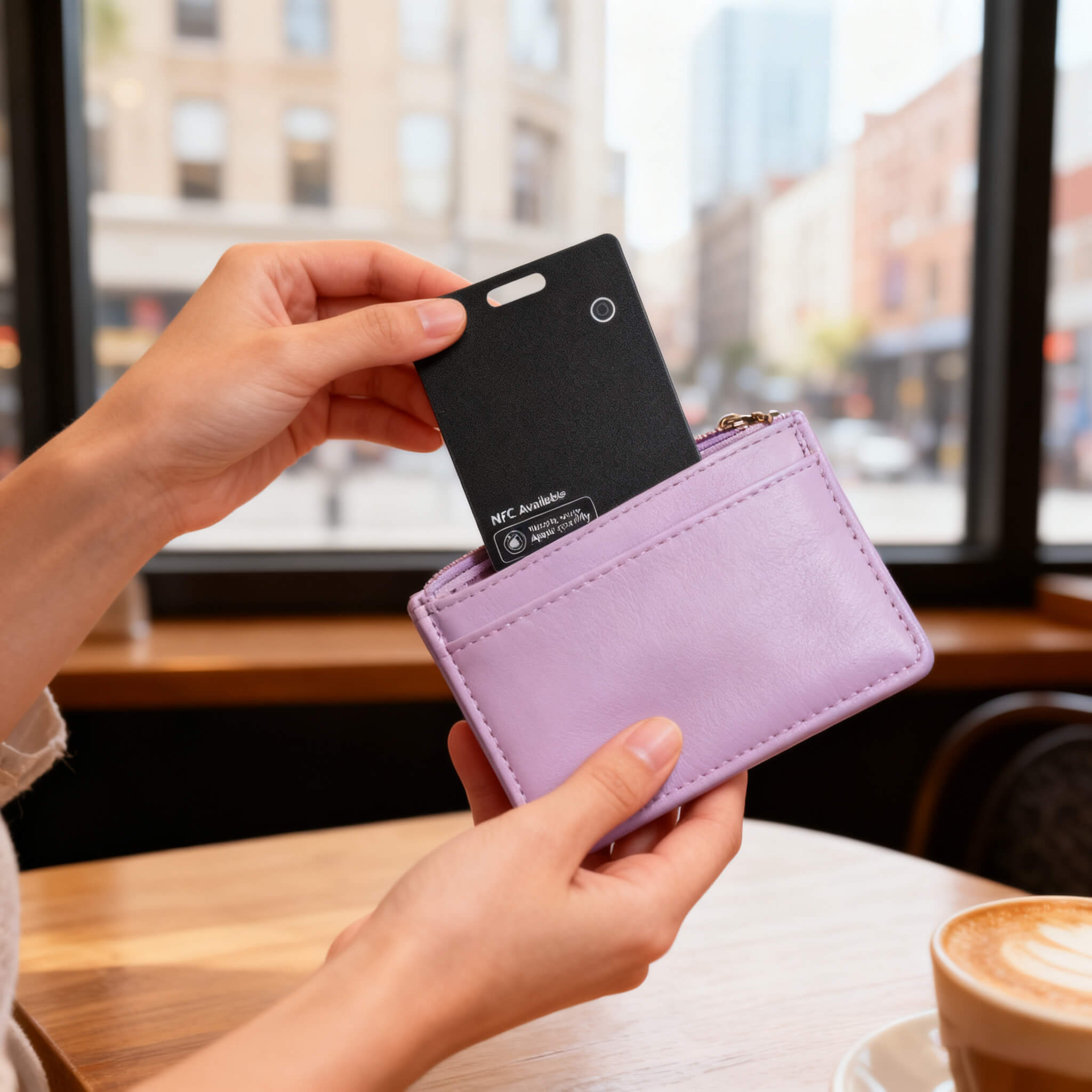
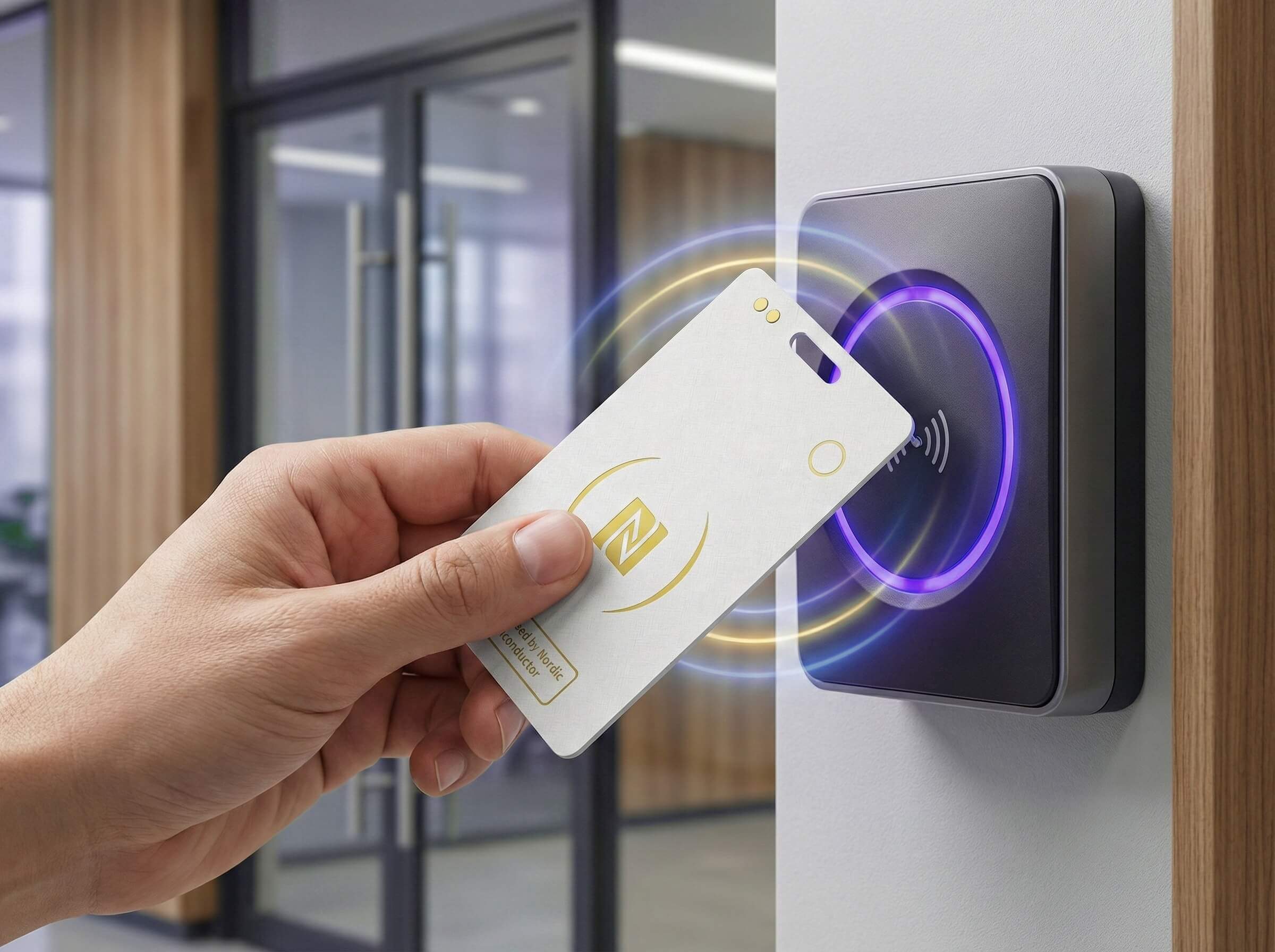
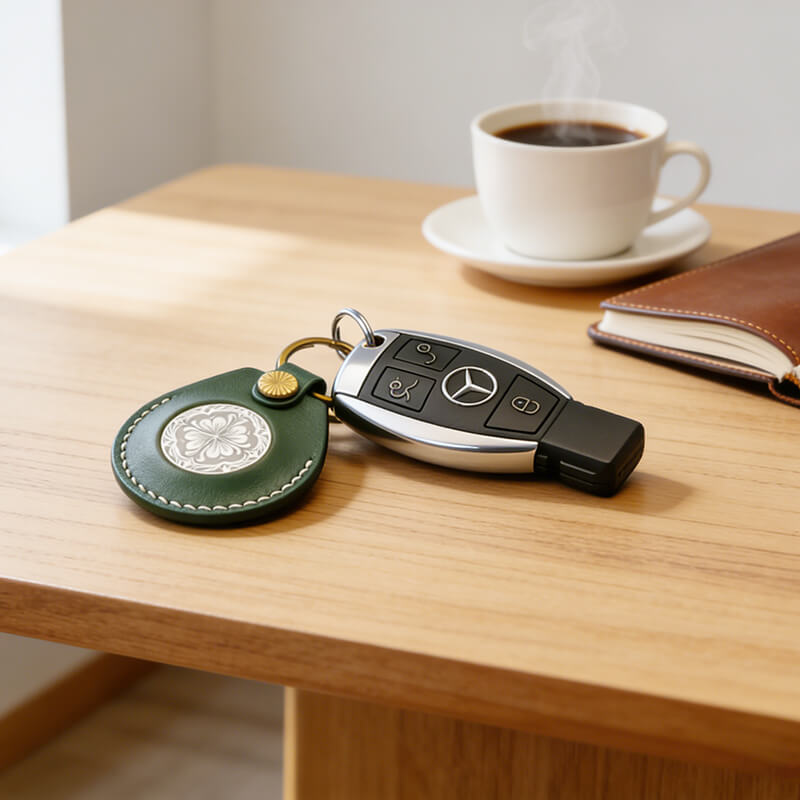
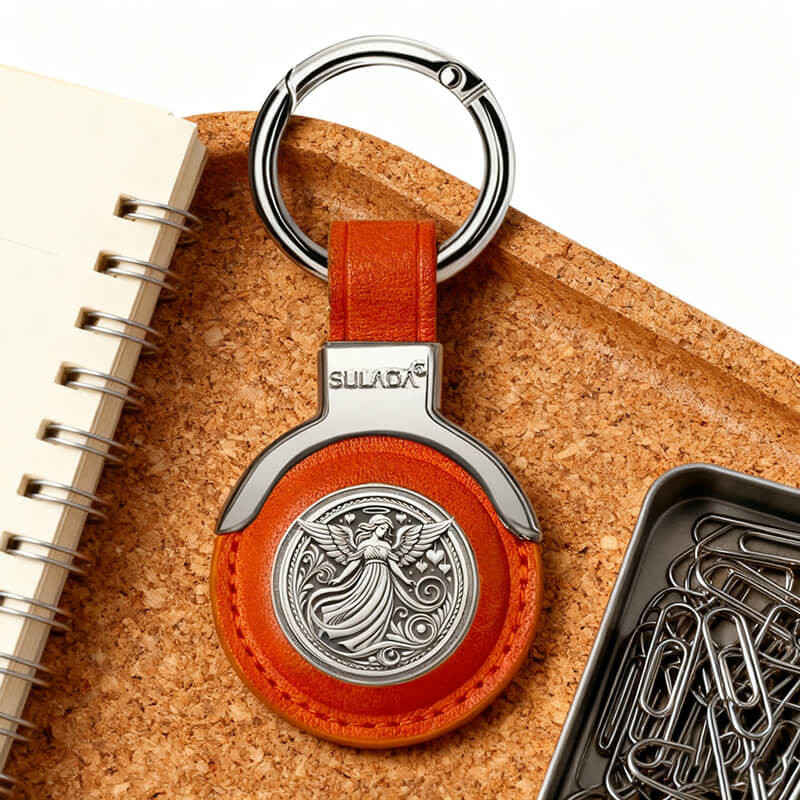
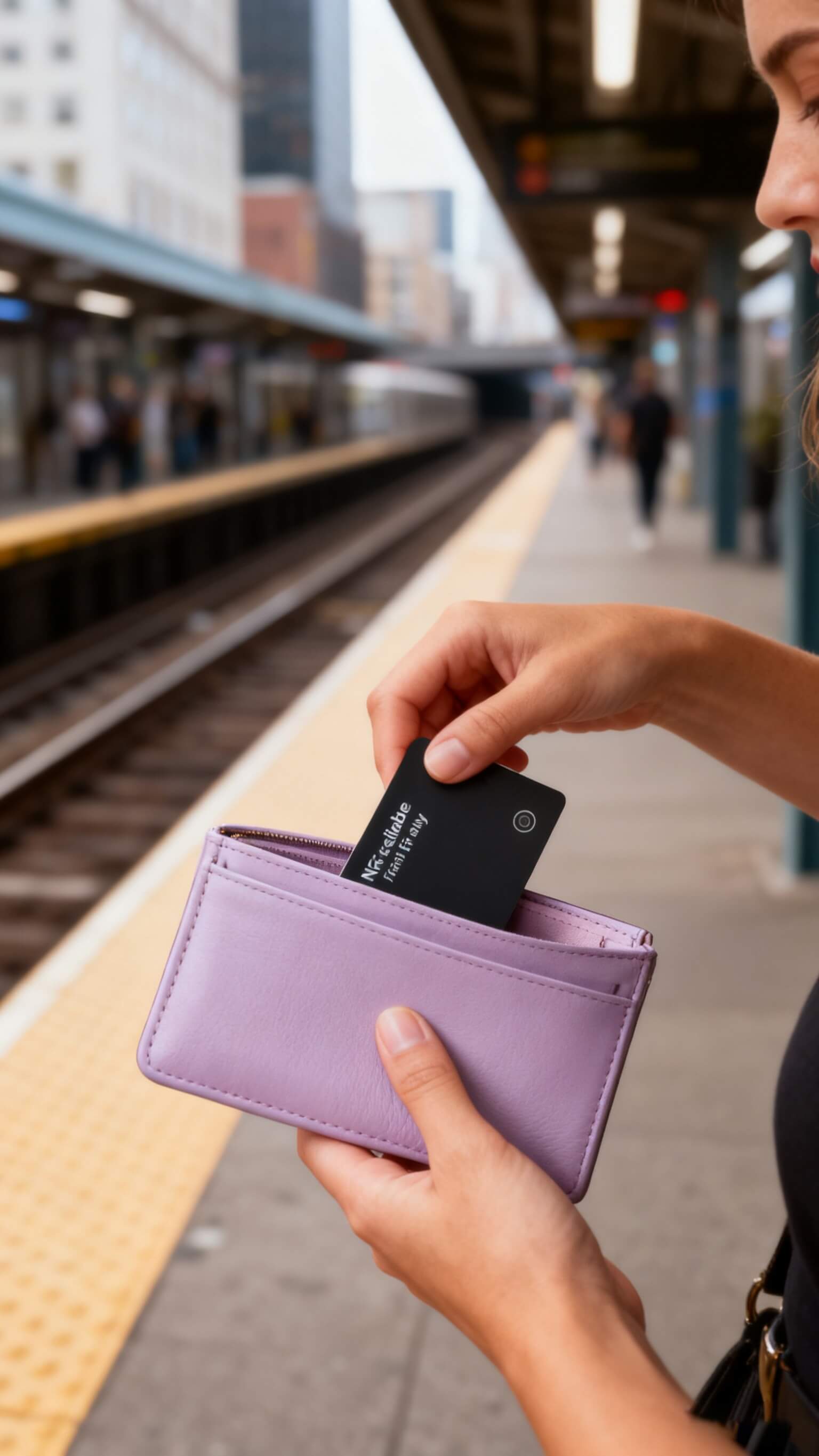
SiNE Tag/Card stands as your reliable item-finding companion, packing six core advantages to simplify daily life.

Quick pairing on startup, stable signal without interruption.

Global coverage, no geographical restrictions on positioning.

High-precision algorithm, error controlled at centimeter level.

Low-power design, standby over 30 days on a single charge.
Records location trajectory even without network.

Supports mobile/tablet, real-time sync of positioning data.


New York, USA
Sydney, Australia
New York, USA
New York, USA
New York, USA
New York, USA
Save your loved ones from the panic of losing items
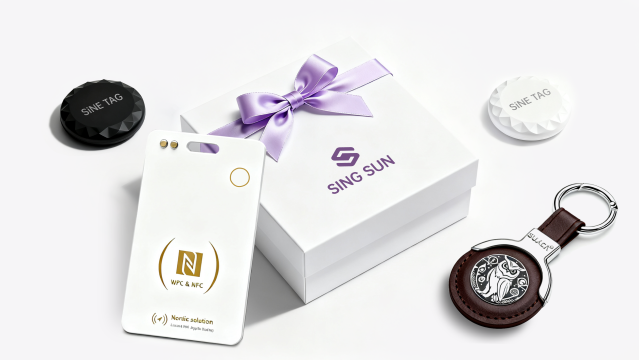
Each SiNETAG comes ready-to-gift and solo-packed for instant relief.



Addressing user needs for long-distance item tracking, SiNE TAG has updated its APP with the new "Precision Location Pro" mode. Leveraging an optimized Bluetooth 5.3 chipset solution, the device’s connection range has expanded from 80 meters to 150 meters, while indoor positioning error has been reduced to within 0.5 meters. The battery life algorithm has also been optimized, extending standby time by 20%.
Read more
Addressing user needs for long-distance item tracking, SiNE TAG has updated its APP with the new "Precision Location Pro" mode. Leveraging an optimized Bluetooth 5.3 chipset solution, the device’s connection range has expanded from 80 meters to 150 meters, while indoor positioning error has been reduced to within 0.5 meters. The battery life algorithm has also been optimized, extending standby time by 20%.
Read more
Addressing user needs for long-distance item tracking, SiNE TAG has updated its APP with the new "Precision Location Pro" mode. Leveraging an optimized Bluetooth 5.3 chipset solution, the device’s connection range has expanded from 80 meters to 150 meters, while indoor positioning error has been reduced to within 0.5 meters. The battery life algorithm has also been optimized, extending standby time by 20%.
Read more

We blend ~50% recycled materials into every SiNE TAG product—staying true to sustainability.

Get free shipping when your order hits $39.99, and enjoy repair services with no price caps at all.

Your payment information is safeguarded through strict security protocols, ensuring full data safety.
Copyright 2025 © singsun technology int co.,ltd
Your cart is empty